YouTube Automation Checklist: What a Reviewer Opens First
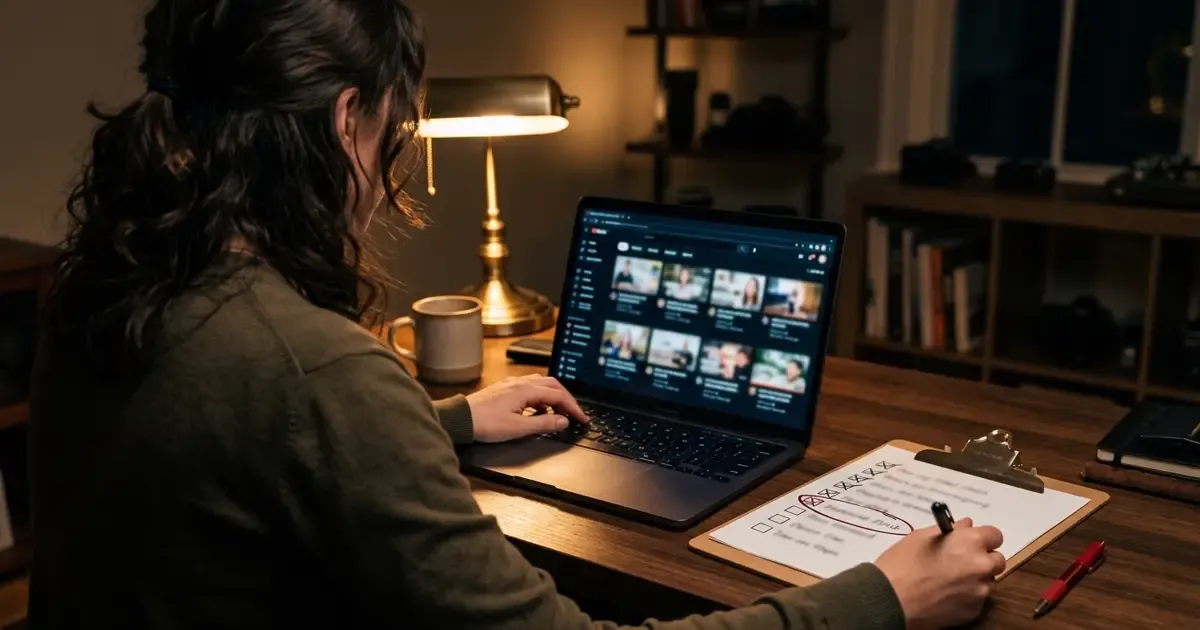
If you run a YouTube automation channel, you probably check it the way you built it: one video at a time, newest first. YouTube's reviewers don't. The policy names six places they look, and the video you just finished is only one of them. The other five get looked at whether you check them or not.
This checklist won't pick your niche or get you views. It answers a narrower question: would the channel you have today survive a review as it stands? Every check comes from YouTube's own policy text, and most of them run in YouTube Studio. Budget an evening, since two of them mean watching fifteen of your own videos. Bookmark it and run it again every month.
Start your YouTube automation checklist where the reviewer starts
YouTube's channel monetization policies(opens in new tab) say it plainly: reviewers "can't check every video," so they "may focus on your channel's" main theme, most viewed videos, newest videos, biggest proportion of watch time, video metadata (titles, thumbnails, descriptions) and the About section. That list is the whole audit.
Six review surfaces, taken from YouTube's own policy page, mapped to the checks below.
Two of the six are picked by traffic, so you don't get to choose them. One Redditor who says they've "looked at a ton of channels" that got flagged described a health and fitness channel(opens in new tab) whose long-form videos were solid. The owner had also been posting AI Shorts on the side, and those went viral. The Redditor's verdict: "It just has to be a portion of your channel that is contributing significant traffic." The channel got hit for the side format. It's one person's account, and it still matches the list above: the reviewer looks where the views are.
Checks 1 to 3: the videos a reviewer opens
These three take the longest and matter most. Do them first.
Check 1: your biggest share of watch time
In YouTube Studio, open Analytics and click Advanced mode (YouTube's guide(opens in new tab)). Pick the widest date range on offer, Lifetime if you see it, and sort the table by watch time. Take the top five.
Pass if you'd defend each one as "made for the enjoyment or education of viewers, rather than for the sole purpose of getting views." That's the policy's phrase. If one of the five exists only because a template made it cheap, that video is speaking for your channel.
Check 2: your most viewed videos
Same screen, sort by views. On a channel that also posts Shorts, this list can look very different from check 1. The fitness channel above is one reported case.
Pass if your top ten by views would still look like your channel to a stranger. In the fitness channel's case, the viral AI Shorts brought in significant traffic, and by the Redditor's account that was the part that got it flagged.
Check 3: your newest ten, played in a row
Play your last ten uploads back to back. Don't skip. This matches the policy's own test: generic content is content "that may feel repetitive to viewers after watching several videos in a row from the same channel."
Pass if you can say in one sentence what each video adds that the one before it didn't. A shared intro and outro is fine; the policy lists "same intro and outro for your videos, but the bulk of your content is different" as allowed. Swapping only the noun in the script is not.
Checks 4 to 6: the words around the videos
Reviewers read your channel as well as watching it. The reused-content section says they check your channel description, titles and descriptions "to understand how you created, participated in, or produced your content."
Check 4: twenty titles in a list
Copy your last 20 titles into a text file and read them top to bottom. Titles and thumbnails are metadata, and metadata is on the reviewer's list. Pass if they read like 20 different videos. If you can write title 21 by changing one word, a reviewer can see that too.
Check 5: descriptions that say what you added
If any video uses footage, clips or text you didn't create, its description should say what you did to it. The policy allows reused material "where the creator is either visible in the content or explains how the creator added to the content." Pass if every video with borrowed material explains your contribution in plain words.
Check 6: the About section and main theme
Read your About section as if you'd never seen the channel. Pass if it names a subject and an angle, not a posting schedule or a list of keywords. A channel whose theme is "whatever gets views" has no main theme to review.
Checks 7 to 10: rules operators misremember
These four are easy to get wrong, partly because the rules look newer than they are. The July 2025 rename(opens in new tab) turned "repetitious content" into "inauthentic content." In July 2026 YouTube split the guidance into named sections(opens in new tab), including a new one for "unsatisfying or off-putting" content. The rules below have been in place the whole time.
| # | What operators believe | What the policy text says | Source |
|---|---|---|---|
7 | Shorts views count toward the 4,000 watch hours | Watch hours from Shorts in the Shorts Feed "won't count towards the 4,000 qualified public watch hours threshold." The Shorts path is 1,000 subscribers plus 10 million qualified Shorts views in the last 90 days | YPP eligibility |
8 | Permission from the original creator makes reuse safe | "This policy applies even if you have permission from the original creator" | Monetization policies |
9 | A voiceover of someone else's text counts as your content | Not allowed: content that "exclusively features readings of other materials you did not originally create, like text from websites or news feeds" | Monetization policies |
10 | An AI host giving money or health tips is just a style | Not allowed: AI personas presented as "a human expert providing advice" on "health, legal issues, finances, or politics" | Monetization policies |
Pass all four if none of them describes a video in your top 20 by views or watch time. Story channels should read check 9 twice: a straight text-to-speech read of a forum post, with nothing of yours added, is the kind of video it describes. We covered the persona rule in more detail in Your AI Narrator Is Fine. Your AI 'Doctor' Isn't.
The format can repeat. The substance can't.
The advice worth arguing with in these threads is about formats. One "brutally honest truths" list(opens in new tab) says "Copying is not a crime" and "Replicating a proven format is smart." To be fair, it also says "Match the structure, but always add your twist." YouTube's text agrees about the structure. For everything else it asks for more than a twist.
Left column: structure, which the policy lets you repeat. Right column: substance, which it doesn't.
So the honest version of "copy what works" is to copy the structure and write the contents yourself. The policy puts it directly: "If you use automated tools or templates to help create your content, the final product must still demonstrate your creative vision." Automation is allowed. What it can't do on its own is supply the part that differs from one video to the next: your angle, your argument, the thing you noticed that the last channel didn't. We took apart one "100% automated" pipeline to see where it puts the human, and it's last, after the script is locked.
That's also why the checklist weights checks 1 to 3 so heavily. Our guide to YouTube automation splits what you can hand to AI from what you shouldn't. This audit tells you which side your top videos landed on. If you want the longer argument for keeping a person in the loop, The Faceless YouTube 'Autopilot' Hits a Wall makes it.
What this checklist can't tell you
A clean result can't predict a decision. Reviewers are people applying a policy with "not exhaustive" example lists, and YouTube says they "can, and may check other parts of your channel." A clean audit lowers your risk. It doesn't guarantee anything.
A channel that already failed is a different problem. The same Reddit thread describes the appeal as a form where you upload a single video to prove the channel is real, and the poster doesn't rate its chances. Treat that as one opinion. What it does suggest is cheap: run this before you apply or reapply, not after.
Money is out of scope too. We left out every RPM and revenue figure on purpose. For that side, see what 1 million Shorts views paid, which links its sources.
FAQ
Is YouTube automation allowed in 2026?
Yes. The policy doesn't ban tools. It says that if you use "automated tools or templates," the final video "must still demonstrate your creative vision." What gets demonetized is output that looks mass-produced, generic or repetitive, whatever made it.
Did the inauthentic content policy change in July 2026?
The name changed in July 2025, when "repetitious content" became "inauthentic content." In July 2026 YouTube reorganized the guidance into named sections and added one for "unsatisfying or off-putting" content. Tubefilter noted that this content was already not allowed to be monetized.
Does one bad video get the whole channel demonetized?
It can. The reused content section says the policy "applies to your channel as a whole," and monetization "may be removed from your entire channel." That's why the checklist starts with your highest-traffic videos rather than your newest.
How often should I run this YouTube automation checklist?
Monthly, and always before you apply or reapply to the Partner Program. Your top videos by views and watch time shift as new uploads take off, so last month's pass doesn't carry over.
Start with five videos
Open YouTube Studio now, go to Advanced mode, sort by watch time and write down your top five. Tonight, play them back to back. For each one, write one sentence on what it gives a viewer that no other channel's version does. Any video you can't write that sentence for is where your audit starts.
The reviewer opens your top video first. Is it in your words?
One templated hit can cost the whole channel its monetization. Start from text you wrote: ViralFaceless reads it into a Short word for word, so the substance stays yours. You post it yourself.
About the Author

Founder at Dimantika
Creator of ViralFaceless. He writes about AI video production, content automation, and practical tools for faceless creators.
View all postsRelated posts
More articles you might like.
A Fully Automated YouTube Channel Puts the Human Last
A viral thread says Grok now runs 100% of a faceless video. Its own steps say otherwise: two humans, both placed after the words are already decided.
Two Posts Sold You Automated Distribution. Neither Number Checks Out
One claim belongs to a product the post never names. The other sits under a paid-partnership label no API can see. Both sold hands-off distribution.
What a Month of Faceless Video Actually Costs
Sixty credits once, then a real per-video cost, against a channel that takes weeks to show impressions. Nobody in the threads does this subtraction, and it is the one that decides whether you can keep going.