Best Faceless Video Tools in 2026: An Honest Comparison
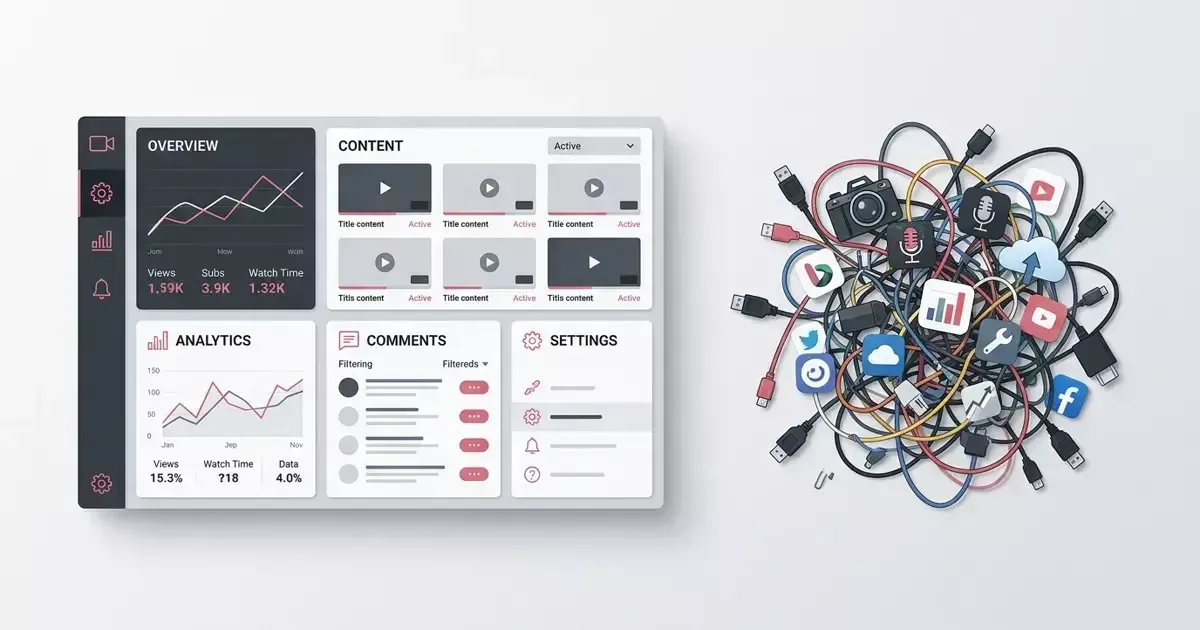
Best Faceless Video Tools in 2026: An Honest Comparison
Most "best faceless video tools" lists rank generators by who makes the slickest single clip. That is the wrong test. The tool that wins your first clip is rarely the one still running your channel at upload fifty.
Here is the honest version. Below are five tools worth knowing in 2026, what each is genuinely good at, and where each one stops. The split that actually matters is not which generator is "best" overall, but whether you are buying a way to make a video or a way to run a channel. Those are different jobs, and almost every tool on this list is built for the first one.
TL;DR
- Best for fast one-off clips: Revid AI. Prompt in, finished short out.
- Best for repurposing long-form: Clippie. Turns a podcast or stream into shorts.
- Best for hands-off volume: AutoShorts. Schedules and auto-posts on autopilot.
- Best general-purpose breadth: InVideo. Almost any video type, large model library.
- Best for running one consistent channel: ViralFaceless. Channel-first, with a saved Look Pack carried across every upload.
A faceless channel grows on consistency and repeatability, not on any single clip. If you only need a video this week, pick a generator below. If you need a repeatable faceless content system(opens in new tab), that is a different category, and the rest of this post is about why.
What "best" should actually mean for a faceless channel
The first question is not "which tool makes the best video." It is "what happens on upload number forty."
A faceless channel is a series, not a folder of unrelated clips. Viewers subscribe because uploads feel like one identity: the same visual DNA, the same voice, the same pacing. That is the part most tools leave to you. A generator hands you a clip; keeping forty clips looking like one channel is a separate problem it was never built to solve.
So this list scores each tool on two axes most roundups skip: does it carry a consistent style across uploads, and does it close the loop from idea to published video without you stitching three other tools around it. Raw generation quality matters, but it is table stakes in 2026: almost everything generates a watchable clip. The differences that survive are workflow differences.
The 5 best faceless video tools in 2026
1. Revid AI: best for fast text-to-video shorts
Revid AI turns a prompt into a finished short-form video. You hand it a script or an idea, pick a voice and a footage style, and a clip comes out the other end, fast, and good enough for a lot of channels. It lists AI avatars, auto-captions, and a stock plus AI footage library among its generation options (Revid features(opens in new tab)).
Where it stops: Revid optimizes the act of generating a clip, not the job of running a channel. Each video starts from a blank prompt, so a shared look across uploads is on you to maintain. If your videos are mostly independent of each other (ad variations, one-off explainers, quick tests), that is a fine fit. If you are building a series, the consistency work lands in your lap.
Verdict: The fastest way to get a watchable short from a prompt today. Best when each video stands alone. Full breakdown: ViralFaceless vs Revid AI.
2. Clippie: best for repurposing long-form into shorts
Clippie takes a long video (a podcast, a stream, a webinar) and finds the moments worth cutting into shorts, reframing them vertically and captioning them along the way (Clippie features(opens in new tab)). If you already record long-form, it can keep a shorts feed fed without much extra effort. It is genuinely good at that one job.
Where it stops: Clippie assumes you already have source material. The whole tool is moment-detection inside an existing recording. A true faceless channel usually starts from nothing: no podcast, no back catalogue to mine. And because each clip inherits the look of whatever source you feed it, a feed assembled from mixed recordings does not read as one channel.
Verdict: Excellent if your bottleneck is finding the best moments in long-form you already produce. Wrong tool if you have no recordings yet. Full breakdown: ViralFaceless vs Clippie.
3. AutoShorts: best for hands-off autopilot volume
AutoShorts runs a faceless channel close to hands-off: you configure a topic and a schedule, and it generates and posts shorts on autopilot (AutoShorts(opens in new tab)). For people who want volume with minimal time spent, that is a real appeal.
Where it stops: Fully unattended posting is also how channels end up shipping the AI slop that audiences, and platforms, have learned to ignore. There is no operator review step between generation and publish, so a weak upload goes out the same as a good one. YouTube's own spam and deceptive-practices policy targets low-effort, mass-produced content (YouTube policy(opens in new tab)), which makes "post everything automatically" a riskier default than it looks.
Verdict: Built for hands-off volume as a numbers game. If you accept that some uploads will be weak and want minimal involvement, it does that. Full breakdown: ViralFaceless vs AutoShorts.
4. InVideo: best general-purpose breadth
InVideo is a broad AI video platform. It turns a prompt into video across many models, adds AI avatars, voice cloning, a timeline editor, and templates for every social platform, serving creators, agencies, and educators across a wide range of use cases (InVideo(opens in new tab)). If you need one tool that can make almost any kind of video, that breadth is the appeal, and it is real.
Where it stops: Breadth is the opposite of channel-first. InVideo is organized around producing individual videos for any platform or use case, not around operating a single recognizable channel. More choices per video is also how a faceless channel drifts and stops looking like one channel. The range that makes InVideo powerful for agencies works against a single consistent series.
Verdict: The pick when you need maximum range across every video type. More tool than you want if all you run is one faceless channel. Full breakdown: ViralFaceless vs InVideo.
5. ViralFaceless: best for running one consistent channel
ViralFaceless is the odd one out here on purpose. It is not built to hand you a one-off clip. What it is built for is the job the other four leave to you: operating a single faceless channel where you lock a style once and ship every episode from the same workflow.
The unit of work is the channel, not the clip. You set the saved channel defaults(opens in new tab) (visual DNA, voice, pacing, captions) once, and every upload starts from them instead of a blank prompt. A planned anti-slop review pass keeps a human in front of each video before publish, aimed at the obvious AI failure modes that get unattended channels flagged. Pricing is published openly (a free plan plus paid tiers) with Fair Billing terms (7-day refund, cancel anytime) alongside (pricing).
Where it stops: if what you want is one clip from a prompt with no channel behind it, the four above are a more direct route. Breadth is also deliberately narrow: it is a system for one channel, not a Swiss-army video tool.
Verdict: The pick if your goal is a recognizable visual DNA(opens in new tab) that holds across every upload, not a clip you generate and forget. Start free(opens in new tab) if that is the problem you are trying to solve.
Faceless video tools compared at a glance
| Tool | Best for | Style across uploads | Available today |
|---|---|---|---|
Revid AI | Fast one-off shorts | You maintain it | Yes |
Clippie | Repurposing long-form | Inherits source look | Yes |
AutoShorts | Hands-off volume | Autopilot, no review | Yes |
InVideo | General-purpose breadth | Per-video, not per-channel | Yes |
ViralFaceless | Running one channel | Saved Look Pack | Yes |
Comparison based on each tool's own published feature and pricing pages, verified June 2026. Competitor capabilities link to the detailed breakdowns above.
The tool-chain tax nobody prices in
Here is the part the rankings hide. Most people do not pick one tool. They end up running three or four. A generator for the clip, a separate captioner, a thumbnail tool, a scheduler. Each one is fine on its own. Wired together, they leak time and consistency at every handoff.

That is the tool-chain tax: every seam between tools is a place your channel drifts. The caption style changes because the captioner does not know your last video. The pacing shifts because the editor is a different app than the generator. None of it shows up in a "best tool" comparison because the cost is in the gaps between tools, not in any single one.
It is also why so many faceless channels feel random even when every individual clip is competent. Competence per clip does not add up to a channel. Consistency does, and consistency is exactly what gets lost across a stitched-together stack.
How to actually choose
Match the tool to the job, not to the leaderboard.

- You need a clip this week, one-off: Revid AI or InVideo. Fast, available, no waitlist.
- You already record long-form: Clippie. It is the only one here built to mine existing footage.
- You want pure hands-off volume and accept weak uploads: AutoShorts. Just know the preview-equals-export gap and the spam-policy risk are on you.
- You are building one channel to last: that is a faceless channel workflow(opens in new tab) problem, not a generation problem. The generators above will get you started; keeping the channel consistent is where they stop and where most channels fail before the first signal.
If you remember one thing: the tool that wins your first clip and the tool that runs your channel at upload fifty are usually not the same tool. Pick for the job you actually have.
Frequently asked questions
What is the best faceless video tool in 2026?
There is no single best. It depends on the job. Revid AI is best for fast one-off shorts, Clippie for repurposing long-form, AutoShorts for hands-off volume, InVideo for general-purpose breadth, and ViralFaceless for running one consistent channel over time. The right pick is the one that matches whether you are making a single video or operating a channel.
What is the best faceless video generator for YouTube Shorts?
For a quick, watchable Short from a text prompt today, Revid AI and InVideo are the strongest available picks. Both generate vertical short-form from a prompt with captions and voice options. If your goal is a Shorts channel with a consistent look across every upload rather than individual clips, that is a workflow problem a pure generator does not solve.
Is there a faceless video software with publishing built in?
AutoShorts includes scheduling and auto-posting to connected channels, so it is the closest to publishing built in, at the cost of no operator review before each post. Most other generators stop at producing the file and leave publishing to a separate scheduler, which is part of the tool-chain tax described above.
Which faceless video tool keeps style consistent across uploads?
Most generators do not. Each video starts from a blank prompt or inherits the look of its source footage. A saved Look Pack carries visual DNA, voice, and captions across every upload, which is what ViralFaceless is built around. For why consistency matters more than any single clip, see our visual consistency guide.
ViralFaceless exists to make running one consistent faceless channel easier. Start free(opens in new tab): 60 credits on signup, no card. They are not renewed.
A tool can make the video. The channel is a separate problem.
ViralFaceless keeps voice, pacing and look consistent across episodes, so the output reads as one channel instead of one-off clips.
About the Author

Founder at Dimantika
Creator of ViralFaceless. He writes about AI video production, content automation, and practical tools for faceless creators.
View all postsRelated posts
More articles you might like.

Two Posts Sold You Automated Distribution. Neither Number Checks Out
One claim belongs to a product the post never names. The other sits under a paid-partnership label no API can see. Both sold hands-off distribution.

What a Month of Faceless Video Actually Costs
Sixty credits once, then a real per-video cost, against a channel that takes weeks to show impressions. Nobody in the threads does this subtraction, and it is the one that decides whether you can keep going.

The Number You Are Refreshing Exists in Exactly One Screen
Impressions and click-through rate are the numbers everyone stares at to decide whether a new channel is doomed. We tested it: the YouTube Analytics API does not expose either one.